SMB logo

System-Meeter-Bar

Data collection, overview, benchmark, test and system report tool all in one

SMB logo System-Meeter-Bar


What is the “System-Meeter-Bar”?

The “System-Meeter-Bar” is designed to offer a solution for license friendly support and analysis tools who are compact and not related to EULA’s who require licensing for commercial usage. The SMB is a system data collection tool, system overview tool, benchmark and system report tool all in one. You can use it for displaying an overview of your system, finding issues or testing the stability of your system via the built-in benchmark tool, no matter if it’s used on a private system or used in a commercial environment.

What does the name “System-Meeter-Bar” stand for/mean?

The App-Name "System-Meeter-Bar" is a worldplay and mixture of the words "System" (target relation), "Meeting" and "Meter" (collecting point and measurement unit) and "Bar" (for its list design and placed at the Screen-side (Side-Bar)). The combination of all these words result in the Apps name "System-Meeter-Bar" or "SMB" for short.

Download
App on Mobile and Desktop

Features of the System-Meeter-Bar (SMB)

The System-Meeter-Bar offers many features who are helpful in many different situations and can be run without any special permissions or even deeper installations.

Data & Info

SMB logo

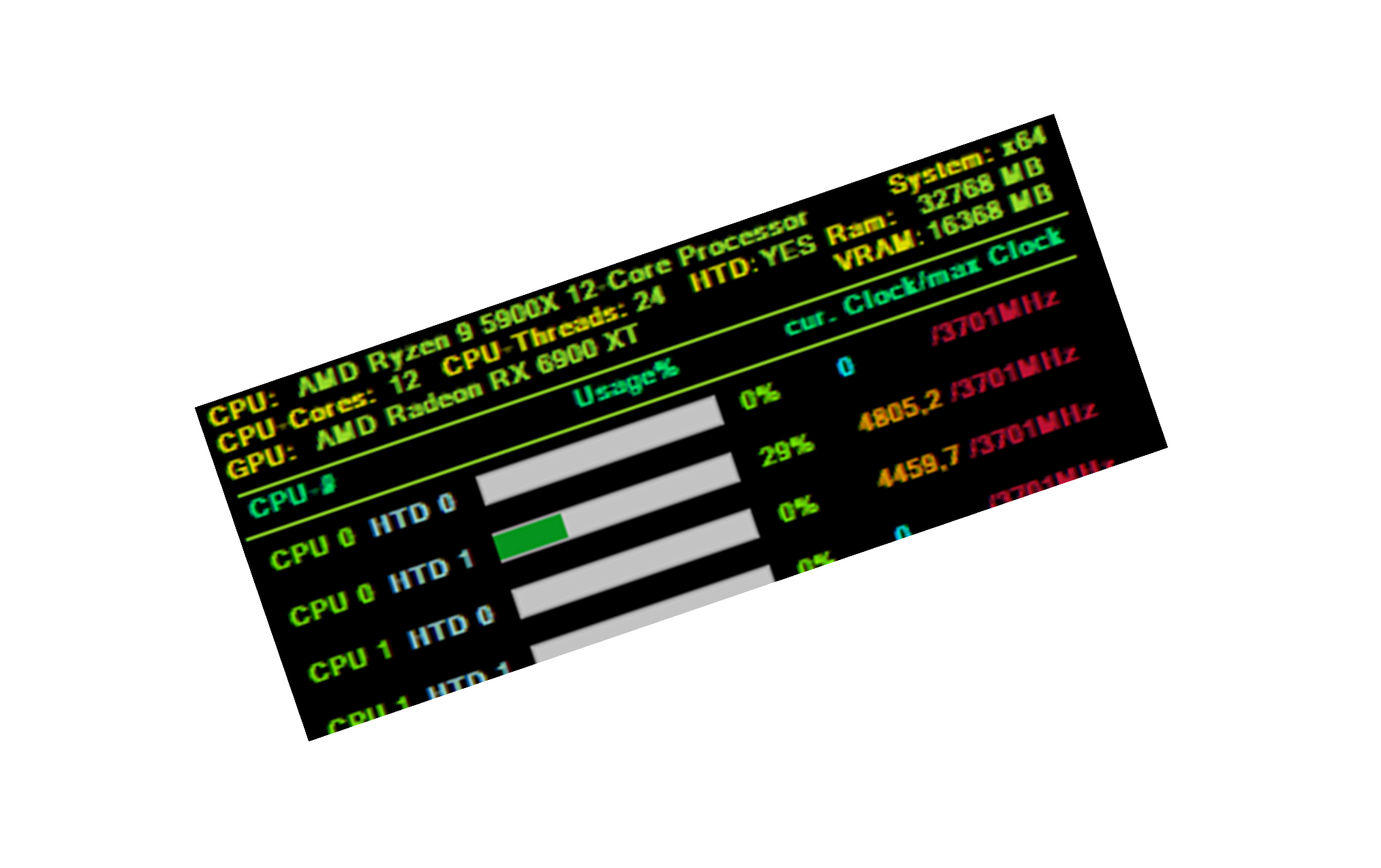
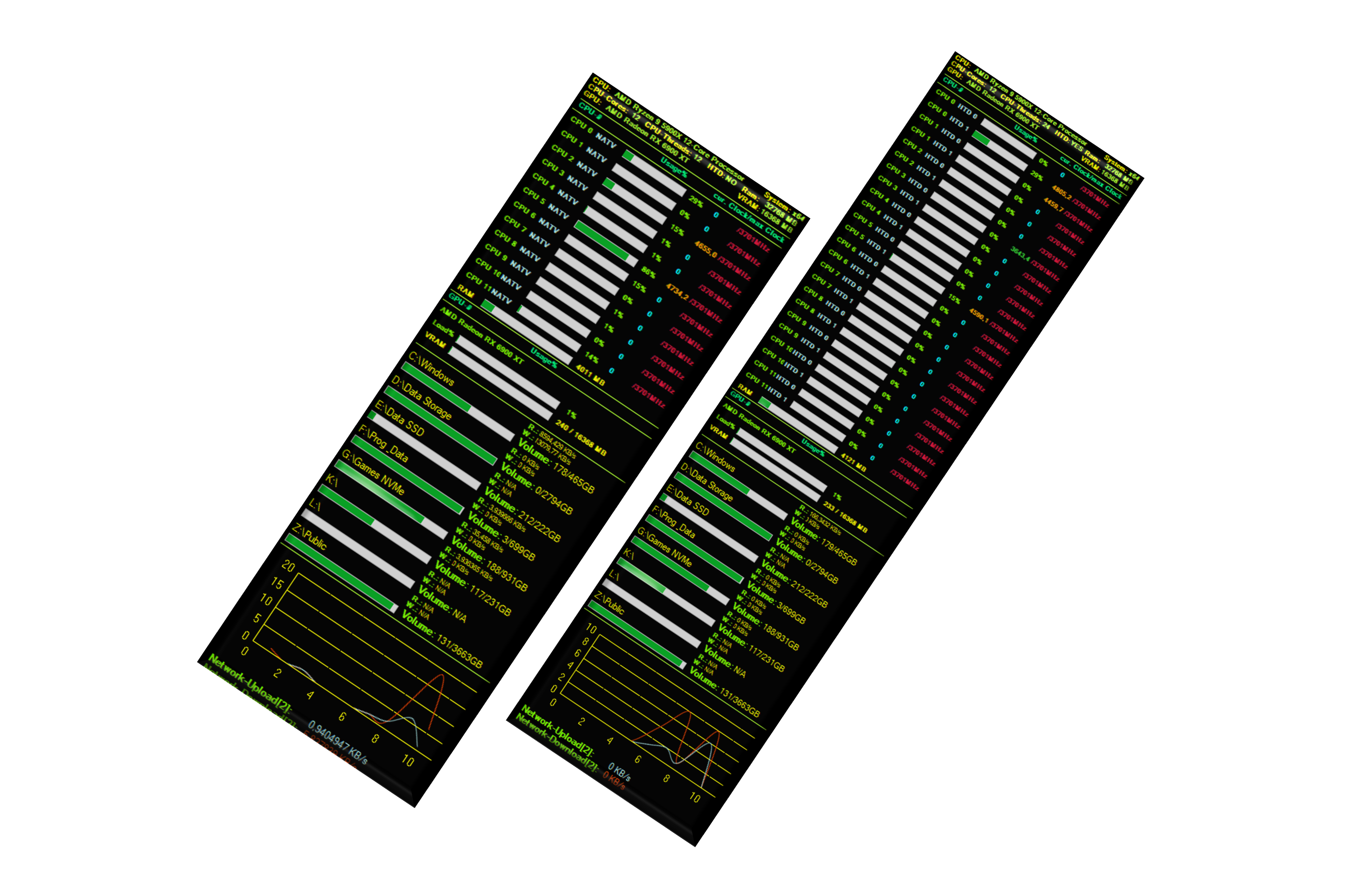
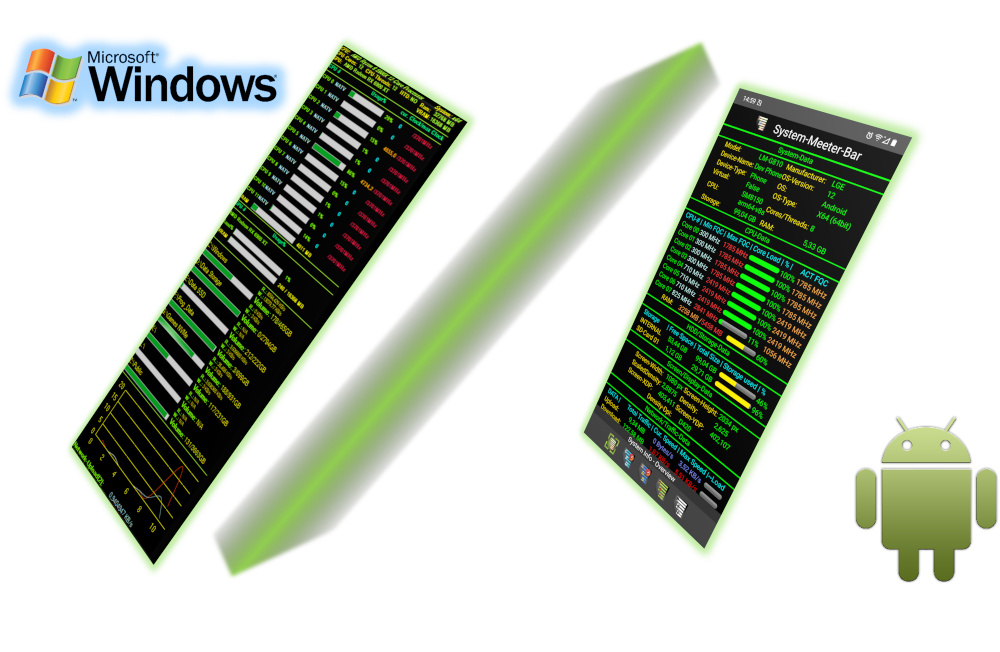
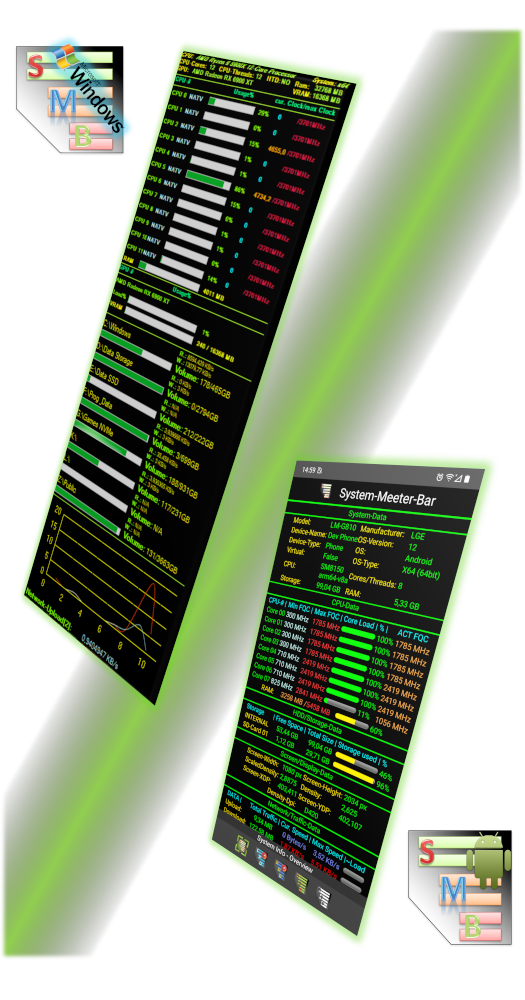
This is the main feature of the SMB, that shows a live overview of the system with most important data of the system, CPU, GPU, HDD usage and Network activity. It also gives access to all other functions of the SMB.

System Monitoring

SMB logo

With the live monitoring of the CPU, HDD's and Network traffic you can the load the full system with easy activit tracking.

CPU + HDD Benchmark/Test

SMB logo

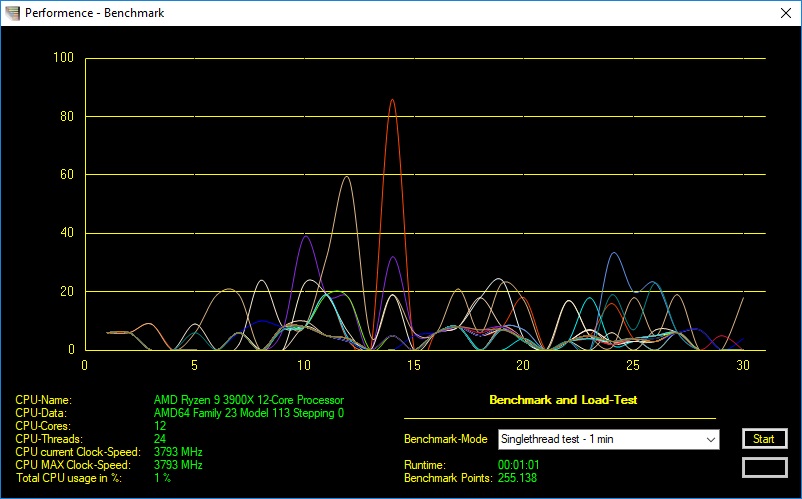
The SMB comes with its own built-in benchmark tools, to stress-test the system for heat or power issues but can also score the CPU power of a system for comparison with others, and testing the speed of its storage devices.

System-Report

SMB logo

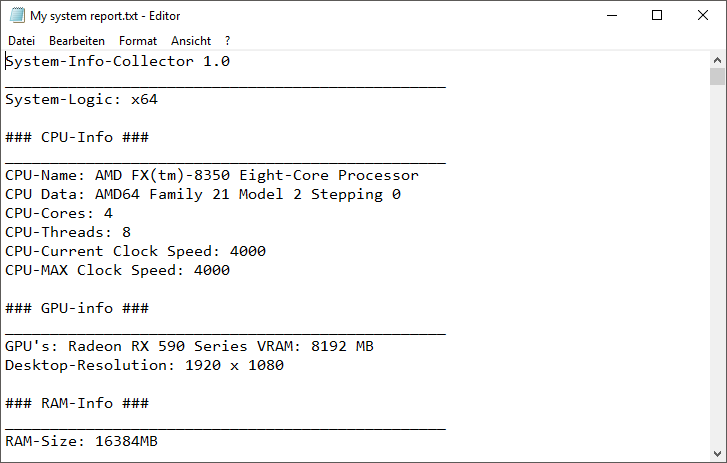
With this feature you can create a custom system report of the system the SMB is running on with all hardware data, software data and event information for troubleshooting and analysis.

System-Shortcuts

SMB logo

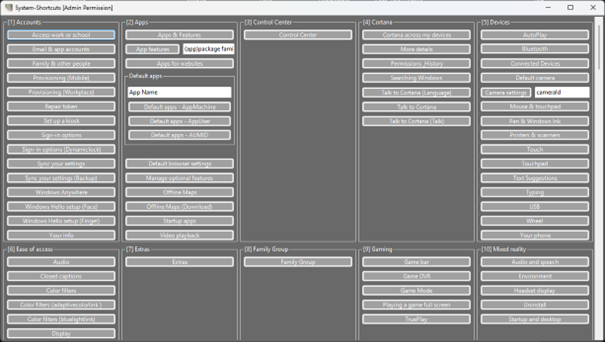
The SMB comes with its own built-in System-Shortcut menu, that offers quick access and triggers to many Windows and Android -Configurations, options and apps/folders/tools, that are hidden or difficult to find in the windows and android systems.

Windows and Android support

SMB logo

The SMB offers full support for all Windows and Android systems and devices.

Easy to use

Quick to use and easy to manage. Thanks to its simple but clear design on Windows Desktop and Android systems, the System-Meeter-Bar allows easy handling and direct access to all its data and functions alike. The System-Meeter-Bar offers high compatibility on Windows and Android alike. It does not need anything more then a simple .Net 8.0 Runtime on Windows and an Android 9 or higher OS to run and offer all its features.

SMB logo

High Compatibility

The System-Meeter-Bar is compatible with high-end and low-end systems alike. No matter if Windows Desktop or Android devices. It supports up to 64 CPU Cores/Threads monitoring, up to 32 storage-device monitoring, up to 32 network-device interfaces and many more features, functions and control.

SMB logo

Free to use

The “System-Meeter-Bar” is designed to offer a solution for license friendly support and analysis tools who are compact and not related to EULA’s who require licensing for commercial usage. No matter if on a private system, a commercial domain or test-environments. The SMB can be used legaly without limits on any system with a full permitted Eula in the background.

SMB logo